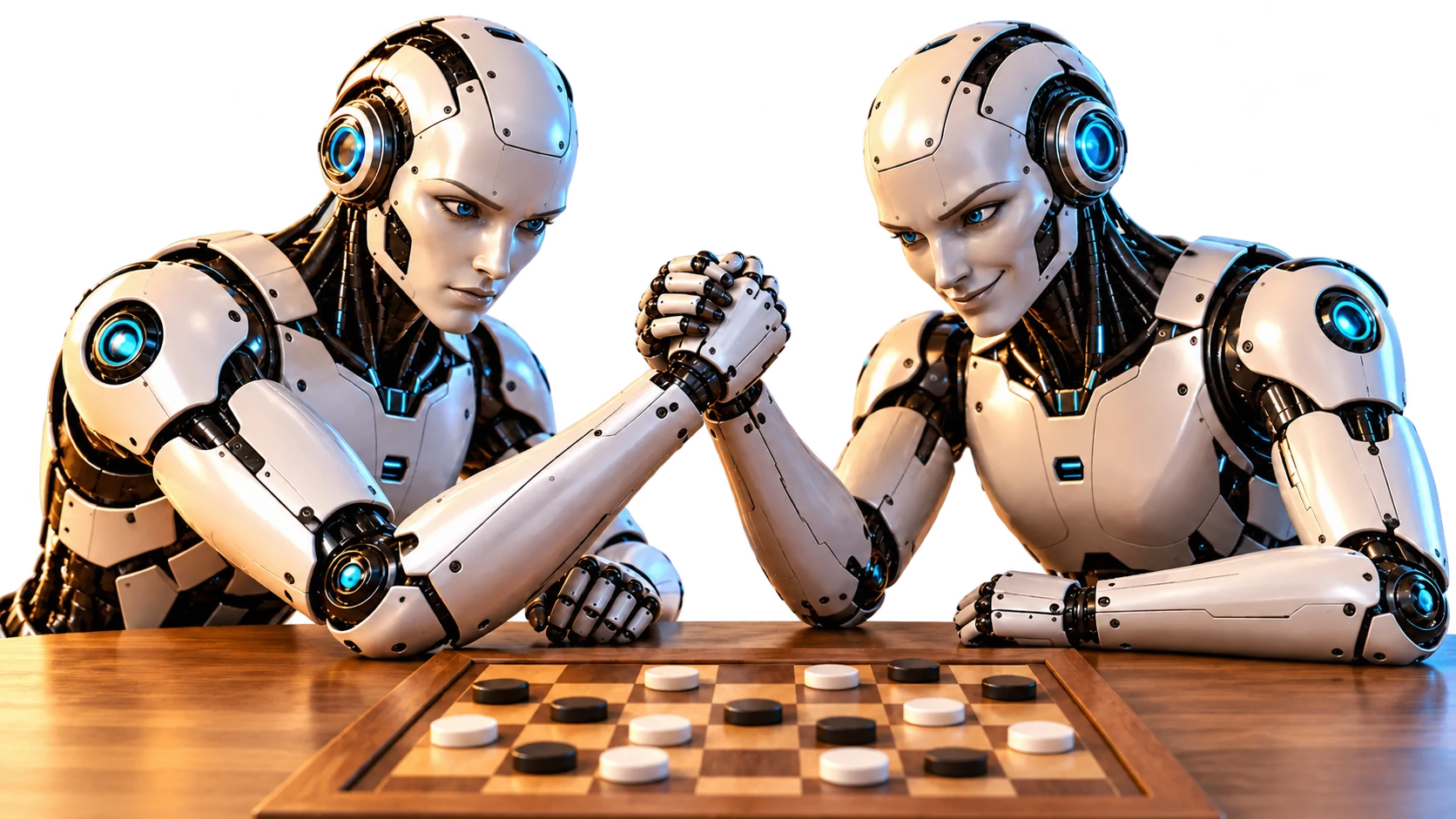
AI Training — Train Your AI Through Self-Play
Your AI improves by playing games against you or itself. Use AI Training to watch it practise, adjust the speed and stop training when you wish. Training uses one credit per game.
How to start AI training
- Log in and select the game format you want to train.
- On a phone, open Credits, AI Training and More Games below the board.
- Set the number of training games and the starting speed.
- Press Train Your AI to begin self-play.
Training speed and controls
Training speed increases by one step after each completed game, up to 20×. Starting at 1× plays the first game at 1×, the next at 2× and so on. Starting at 8× progresses to 9×, then 10×.
You can move the speed control during training. The next automatic increase starts from your chosen speed: move it back to 1× and it will increase to 2× after that game. Use Stop training when you want to finish.
Credits, experience and AI levels
Training uses one credit per game. Choose a game count within your available credits; training ends when the selected games are complete, credits run out or you stop it. The panel shows your AI's experience in the selected format. As experience reaches the level thresholds, additional AI levels become available.
Each format has its own AI experience. Training a 3 × 3 Tic-Tac-Toe board is separate from training a gravity-based Four in a Row board or a custom configuration.
The WarGames training sequence
Select Noughts and Crosses, set at least 20 training games and start at 1× to trigger the tribute to the 1983 film WarGames. Watch self-play accelerate towards 20×. When the sequence ends or you stop training, a mushroom-cloud banner displays Nobody wins. Tap the banner to return to the game.